
Subscription, Payment Method Update
To update or add a payment method for a subscription account, please log in to the Vimergy website.
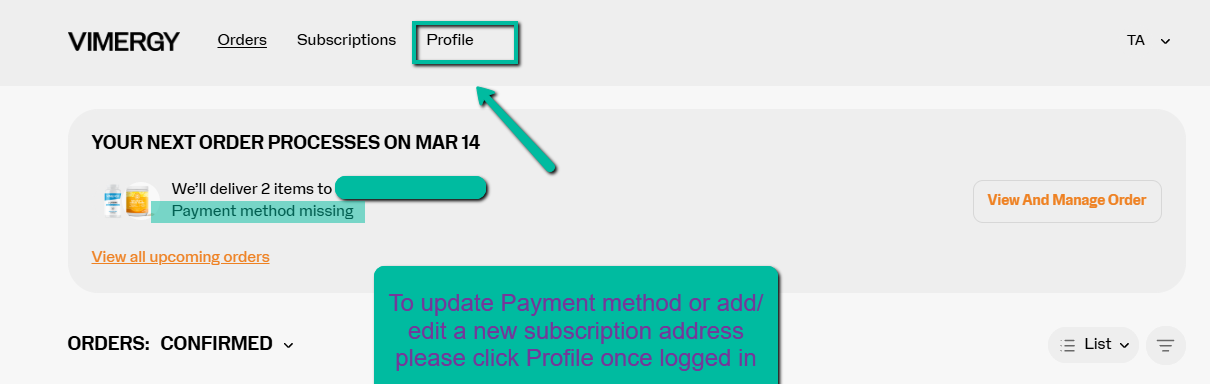
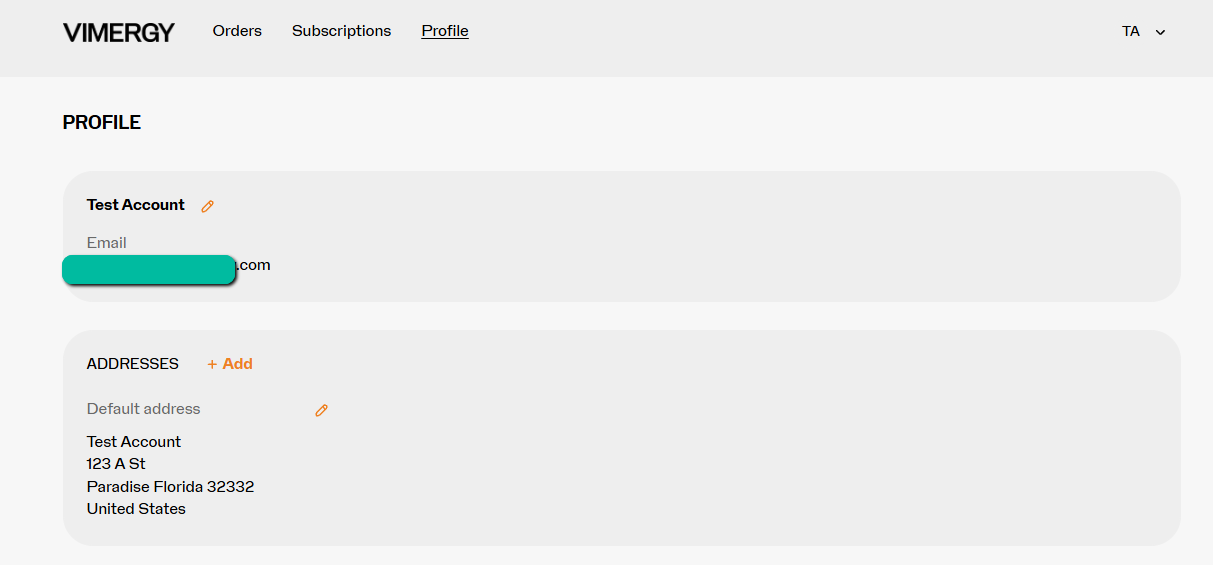
Once logged in - Select Profile
Please log in to your account, and under your subscription profile, you will see an option to update/add a payment method.
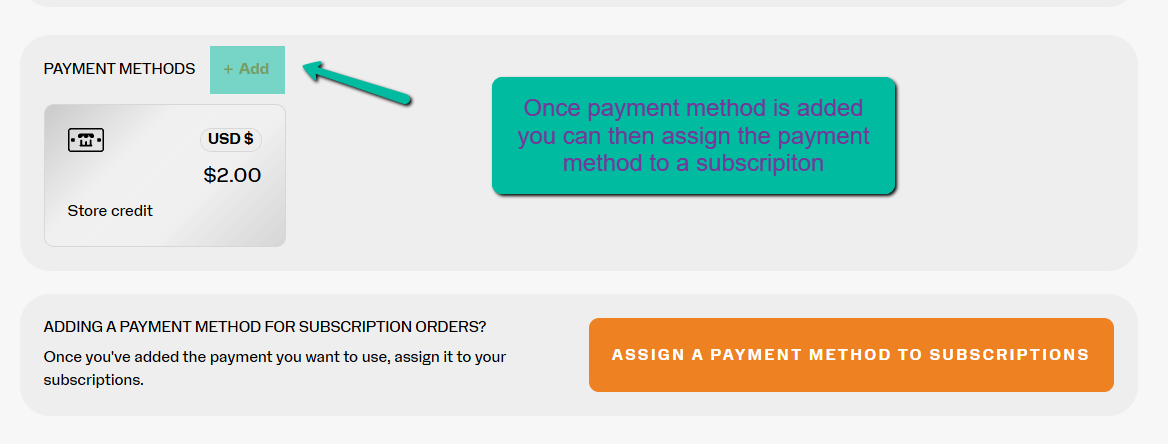
Now that a payment has been added, select Assign a payment method to Subscriptions.
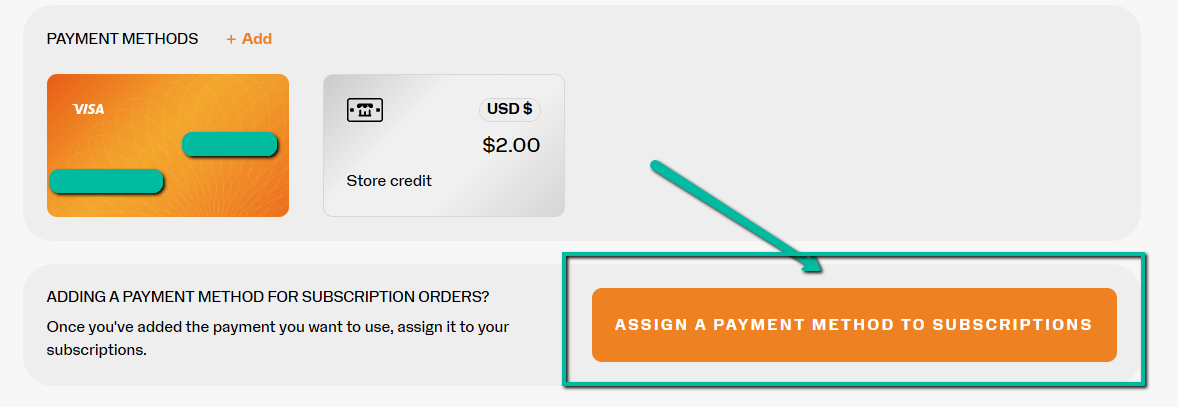
Select the button to the left of the card you wish to assign.
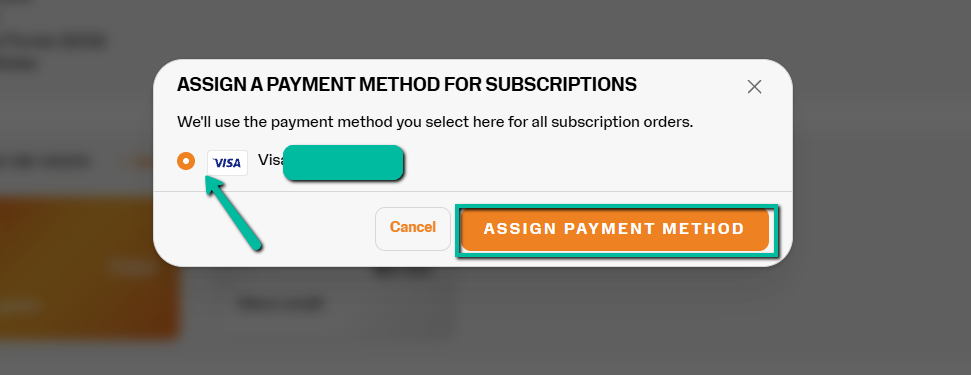
Clicking Assign Payment Method.